Complete Guide to Codex for Business

The 28 things you need to know about Codex to make your company Agent Native

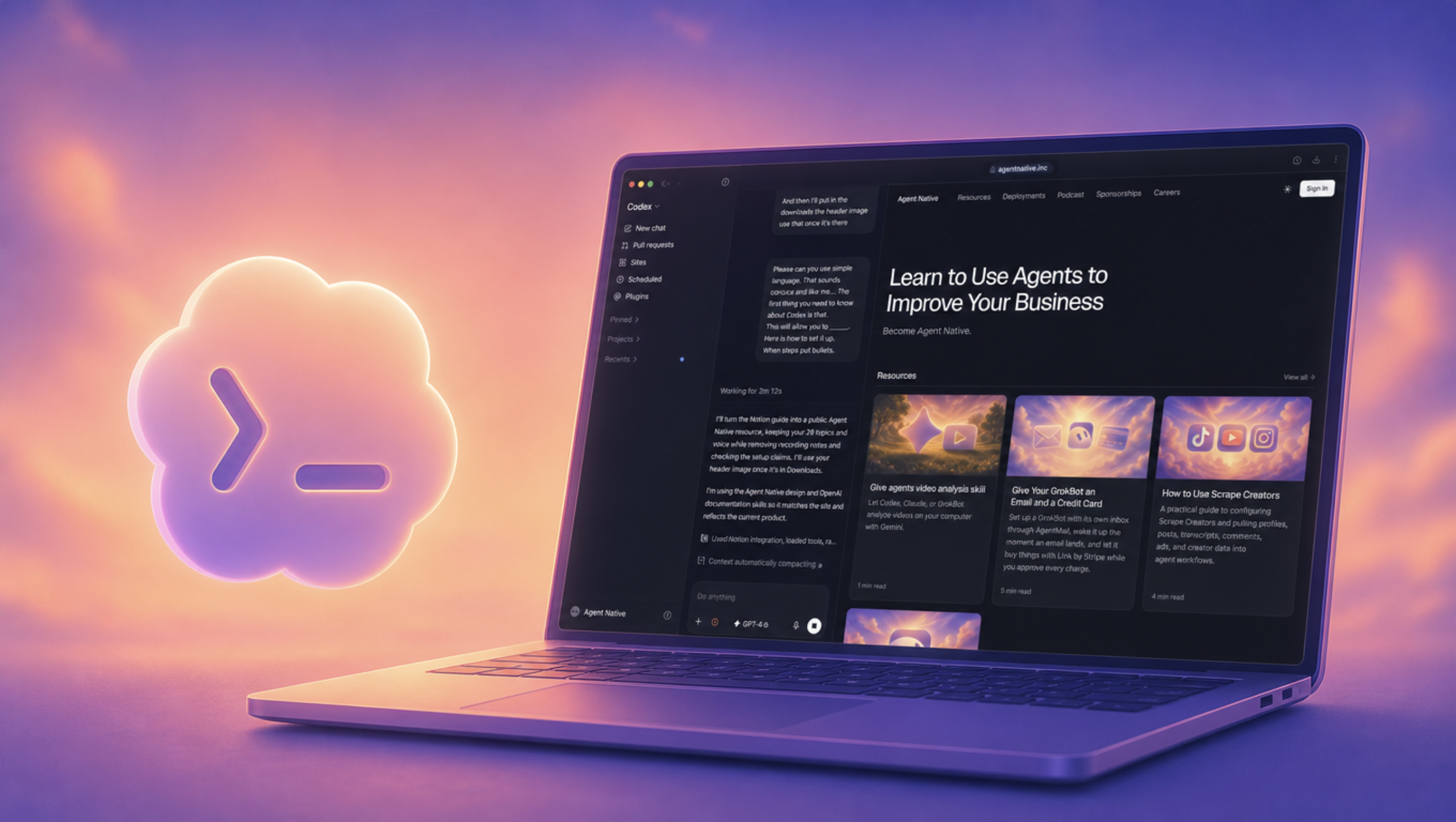
A laptop showing Codex and Agent Native beside a glowing terminal icon

If I could only use one AI tool, I would choose Codex. I use it to build Agent Native, work on content, and connect the apps I use to run my business.

Here are 28 things you need to know about Codex.

How to get started

  • Download the ChatGPT desktop app for your computer.
  • Install it, open it, and sign in to your ChatGPT account.
  • Open the ChatGPT dropdown and switch to Codex.
  • Start a new chat and select GPT-6 Astra from the model menu if it's available on your account.

1. Astra is the model. Codex is the app.

The first thing you need to know about Codex is that Codex is the app, and GPT-6 Astra is the model doing the thinking. Codex gives that model a place to work, with files, tools, and a browser.

This will allow you to ask for more than an answer. You can ask it to read your files, build something, and show you the result.

GPT-6 Astra and the Codex app shown side by side in Riley's video.
The model does the thinking. Codex is where I put it to work.

Here is how to set it up:

  • Open the ChatGPT desktop app and switch to Codex.
  • Open the model control below the message box and choose Astra if it's available to your account.
  • Give it something to work on, like the Agent Native homepage I redesigned in the video: "Make this section look better and match the style of the rest of the page."

Model options and availability.

2. Codex can build apps

The second thing you need to know about Codex is that you can use it to build apps. This is how I work on Agent Native.

This will allow you to turn an idea into something you can actually use, like a client dashboard, a content tracker, or a website for your business.

Codex editing Agent Native beside the local website preview.
This is how I work on Agent Native: make a change, then check it in the browser.

Here is how to get started:

  • Type your app idea into codex after selecting GPT-6 Astra
  • Tell Codex who the app is for, what it should do, and how you want it to look.
  • Ask it to build the app, run it locally, and open it in the browser.
  • Try it yourself. Tell Codex what needs to change, then check it again.

Running locally means the app is running on your computer. Publishing it so other people can use it is a separate step.

Complete Guide to Codex for Business | Agent Native