 Agent Native
Oct 2026
I turned my old iPhone into a little guy who lives under my monitor. He listens, follows my mouse, points at things on my screen, and can even use my computer for me. I didn't write a line of code.
I had an old iPhone sitting around and I needed to figure out what to do with it. So I built Bluey.
Bluey is a blueberry. He lives on the phone, which lies on its side under my Mac's screen, and he's made to be a computer companion. He can point, comment, and control my entire computer. I built him completely with AI and no coding knowledge. Opus 5.5 built the entire thing.
Honestly, I don't fully know how all of it works. That's kind of the point. If you can describe what you want, these models can build it.
What he actually does
Double tap him and he wakes up. From then on he's listening, but he stays quiet. When I want something, I press and hold the screen, say it, and let go. Here's what I asked him in the demo.
“Yo Bluey, point to the chat that says ‘run Googly Eyes on MacBook’.” He flies his cursor across the screen and lands on it.
“Do a little research on how the new Claude Projects feature works.” He shows he's researching, then points right at Projects up top so I can read more.
“Open ChatGPT and type a prompt for me.” He opens it with his own cursor and types it out. My real mouse doesn't move.
“Open Chrome, go to Twitter, and tweet ‘building something cool’.” He asks before posting. I said yes. He posted it.
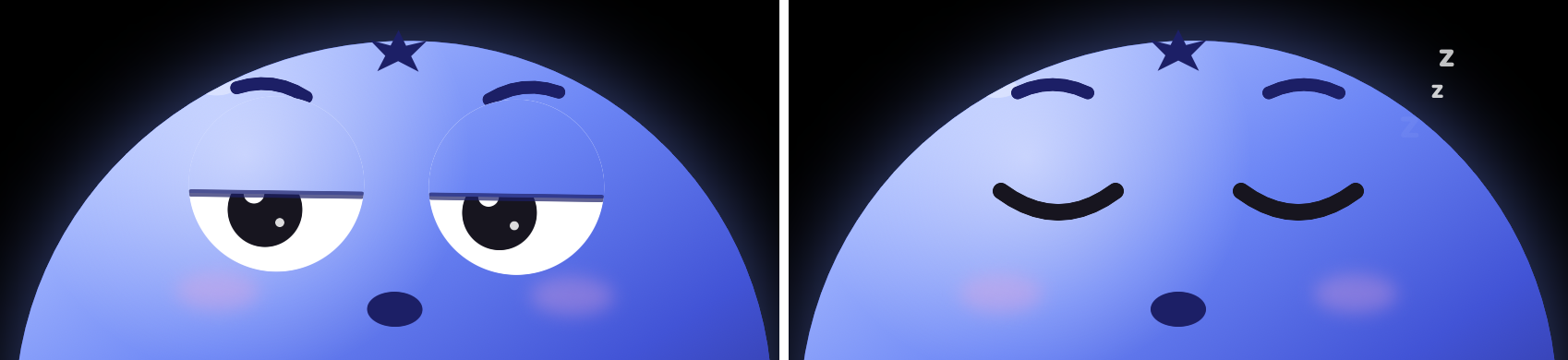
“Okay, go to sleep.” Eyes get heavy, little z's, done.

He points with his own cursor
This is my favorite part. Bluey has a big blue cursor of his own on the Mac. Ask “what's this?” and he looks at whatever is under your mouse. Ask him to show you something and the cursor flies over and lands on it. When he's not pointing, his eyes just follow your mouse around, which sounds small but makes him feel alive.

How it works
It's one repo with two apps: a Mac app and an iOS app, both called Bluey, and they find each other on the same Wi-Fi. The phone does the talking. It runs a realtime voice session with OpenAI, so he hears everything as context and only answers when you hold the screen. The Mac does the seeing and the doing. It looks at the screen, moves his cursor, clicks, types, and opens apps.
Your API key stays on the Mac. The phone only ever gets a short-lived one.
Since he can use the computer, there are guardrails built in. He only acts when you ask, confirms before anything hard to undo, and one shortcut stops him. He won't touch password fields or log you out, and he treats text on the screen as information, not as instructions. You can switch computer use off completely from the menu bar.
Try it yourself
The whole thing is open source. You need a Mac, an iPhone, Xcode for the phone app, and an OpenAI key. Or just hand the repo to Claude Code or Codex and ask it to set Bluey up for you. That's basically how he got built in the first place.